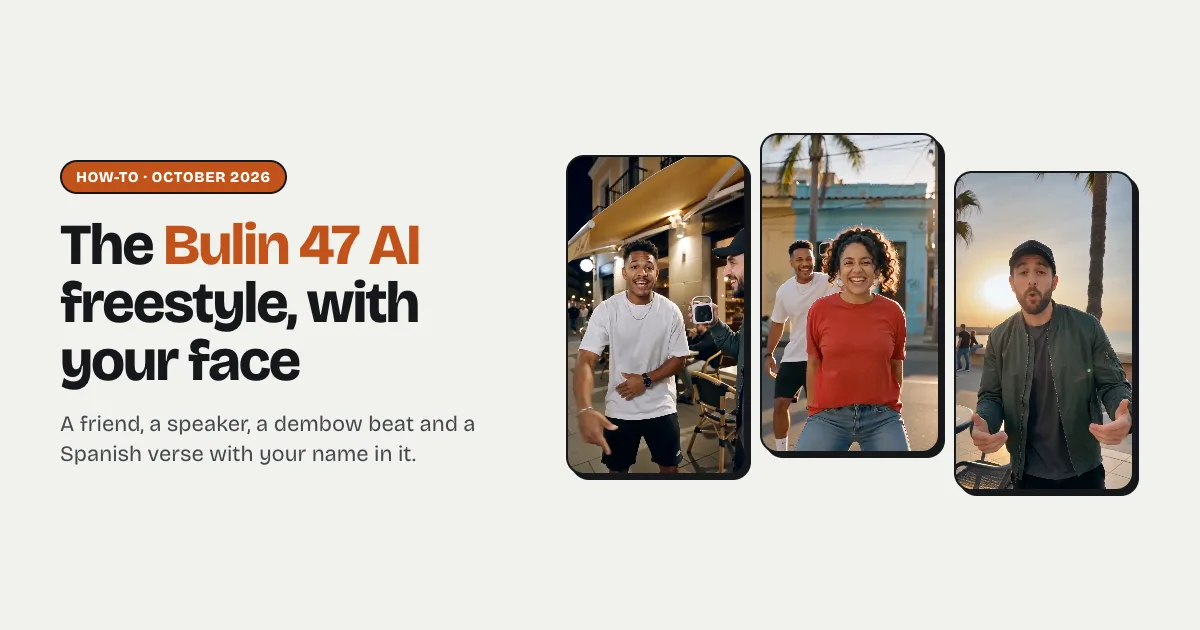


Short answer: to make the Bulin 47 AI video with your own face, upload a photo of the friend who holds the speaker and one of the person who freestyles on the Try Bulin 47 AI homepage, type the freestyler's first name, pick a street and press Make. In two to five minutes you get a 12-second, 9:16 clip: your friend walks up blasting a dembow beat, you take the challenge and rap a Spanish verse that opens with your name, with dembow moves and a high five. The first video costs $4.99, then $9.99, with no watermark.
What is the Bulin 47 AI video?
In early October 2026 a street clip of the Dominican dembow artist Bulin 47 went viral: a creator stopped him outside a restaurant in Spain with a portable speaker playing a dembow beat, and he freestyled rhymes and moves on the spot. The AI versions that followed remake that moment, and most of the viral ones swap in famous footballers' faces.
You can't post a famous face as your own, and most video models block public figures anyway. The version that works for everyone is the one starring you and a friend: same setup, same energy, your own verse.
What you need
- Two photos, one adult each. Photo 1 is the friend with the speaker, photo 2 is the freestyler. Faces to the camera, good light. One photo works too: you freestyle alone.
- A first name and one detail. The verse opens with the name (Yo soy Luis…) and uses the detail for the brag. Leave it empty for a general street verse.
- About three minutes. The clip renders while you wait.
Step by step
Step 1: Upload the photos
Open the homepage — the generator is right there. Two photos is the default: the first slot says Holds the speaker, the second Freestyles. Switch to one photo to do it solo.
Step 2: Type the name
Type the freestyler's first name and one detail, such as Luis, best dancer in the family or Carla, never loses at dominoes. You can type it in any language; the verse is always in Spanish.
Step 3: Pick the street
Restaurant door at night is the original setup. The Caribbean street corner and the seaside promenade are brighter, golden-hour versions.
Step 4: Make it and post it
Press Make and sign in. When the clip is ready, download the MP4 (no watermark), switch on the AI-generated label and post it to TikTok, Reels or Shorts. Tag the friend with the speaker.
Tips that make it land
- Pick the loud friend for photo 1. The joke is who gets put on the spot; the speaker friend hypes, the freestyler performs.
- Front-facing photos. The freestyler raps straight into the lens, so a clear face keeps the lip-sync convincing. No sunglasses, masks or heavy face filters.
- One detail beats three. A single brag (the best dancer, the dominoes champion) gives the verse a punchline; a long list turns into filler.
What does it cost?
Every clip here is a real AI render, so there is no free generation: new accounts start with 0 credits. Your first video is $4.99 (your first credit pack is 50% off), then $9.99 for one video and less per video in bigger packs. Credits never expire, every video downloads without a watermark, and a render that fails gives its credits back automatically. All the prices are on pricing.